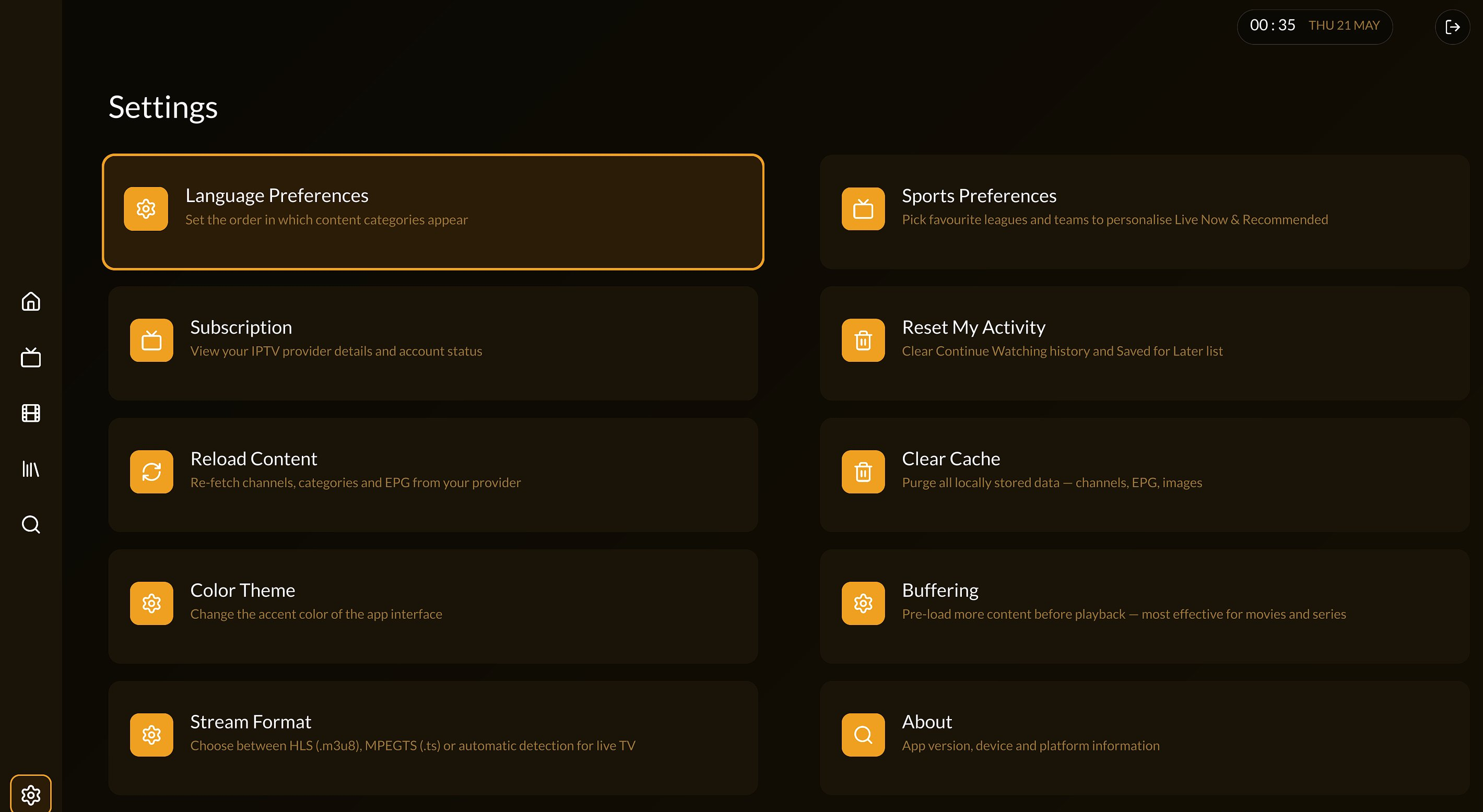
Velvo is a Smart TV player. Connect your own media server or playlist and get a premium interface — Velvo plays it, your server delivers it.
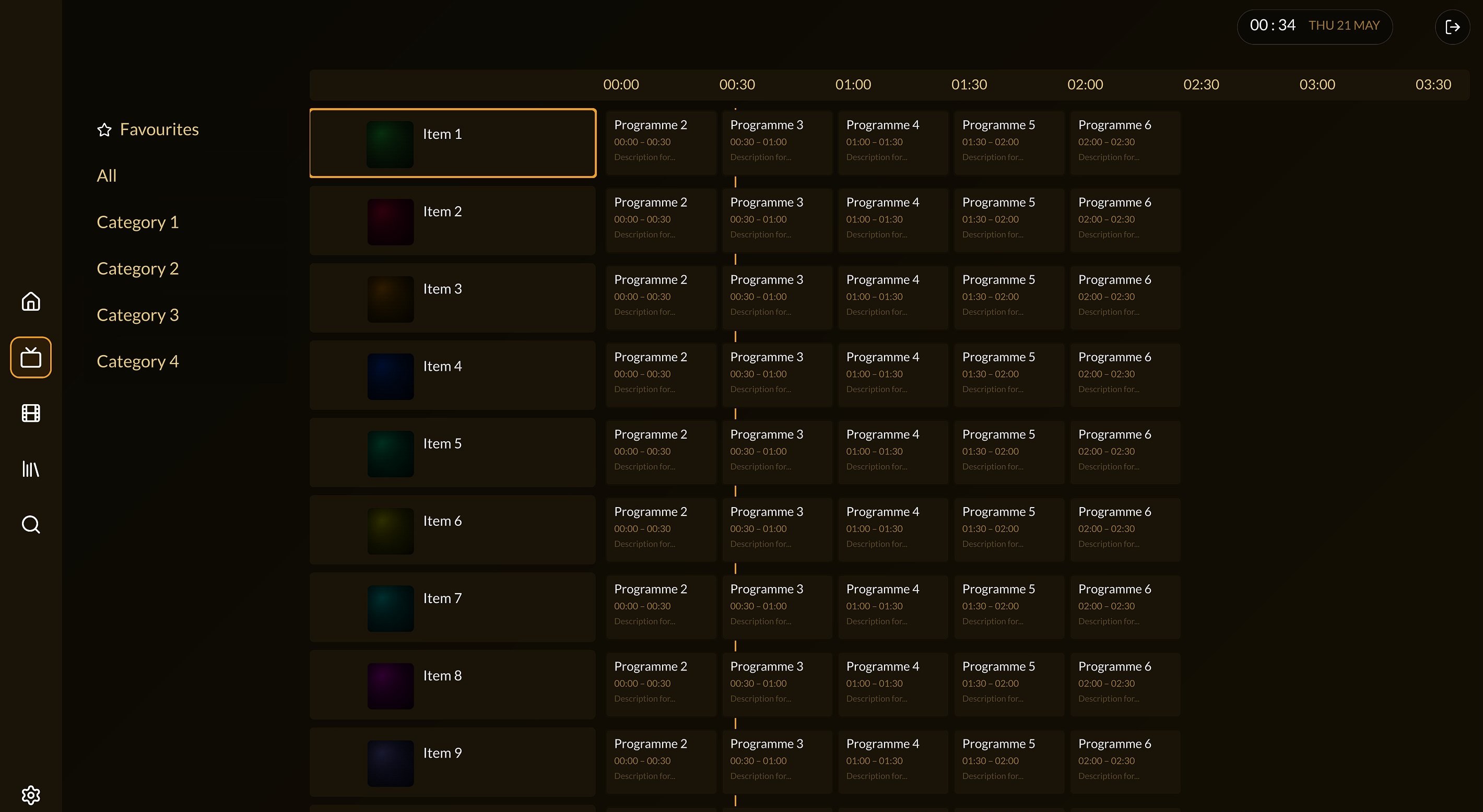
Navigate your server's live channels by category. EPG guide shows what's on now and what's next — pulled directly from your server.
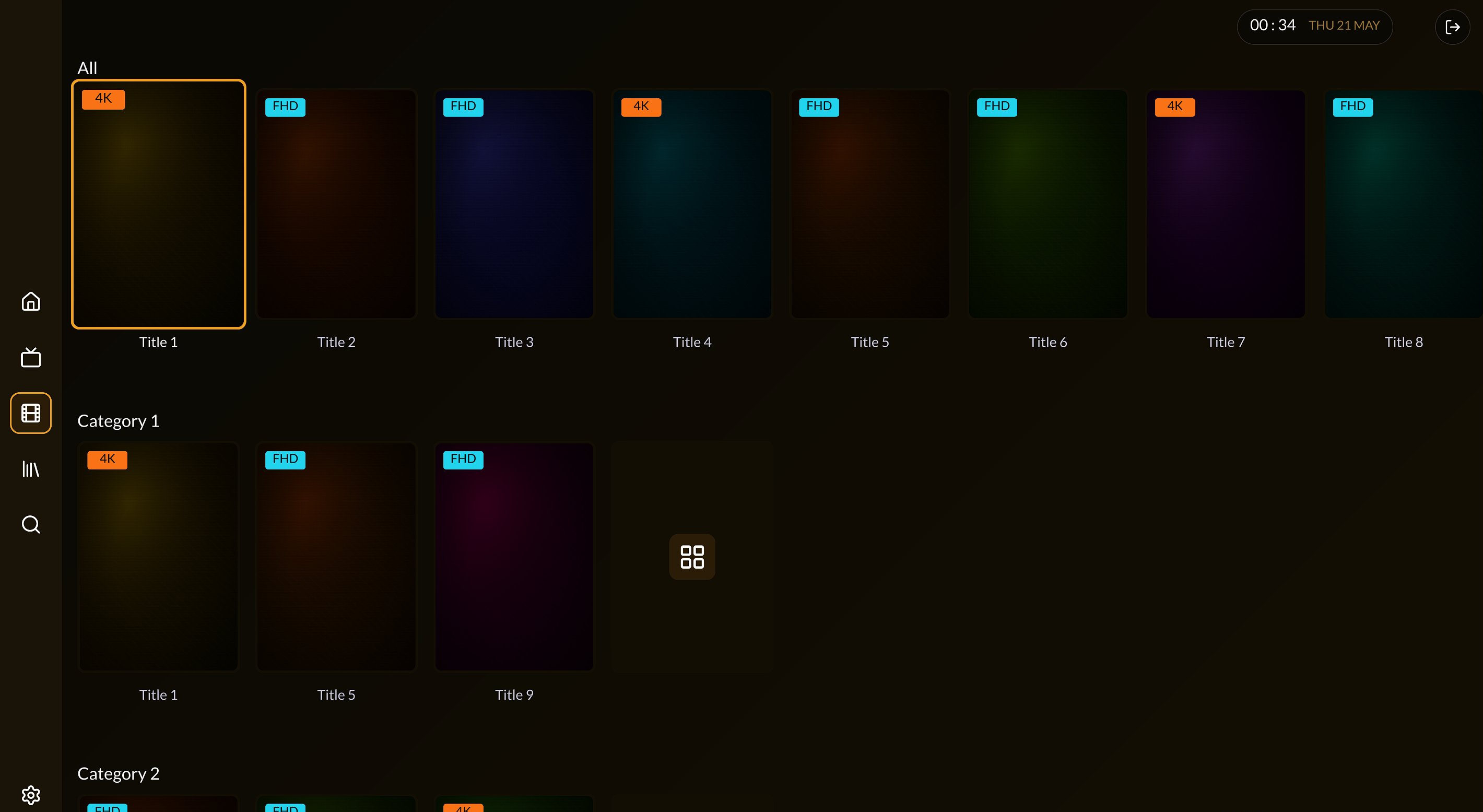
Access your server's VOD catalogue with a polished interface. Rich metadata and posters are fetched from TMDB for display only.
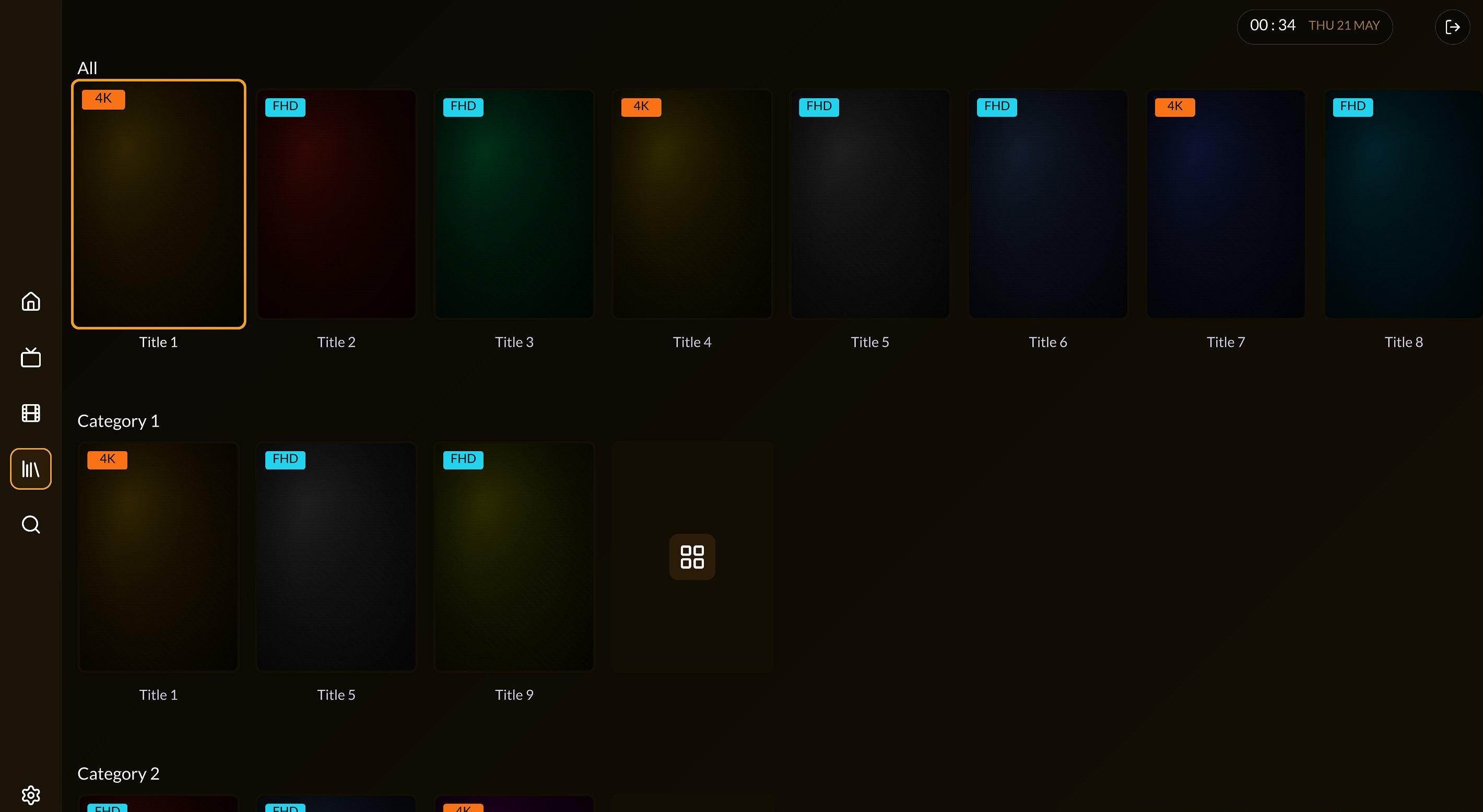
Organised by season and episode. Pick up exactly where you left off — progress syncs across sessions.
Sports schedule and broadcast listings sourced from TheSportsDB. Velvo shows you what's on — your server streams it.
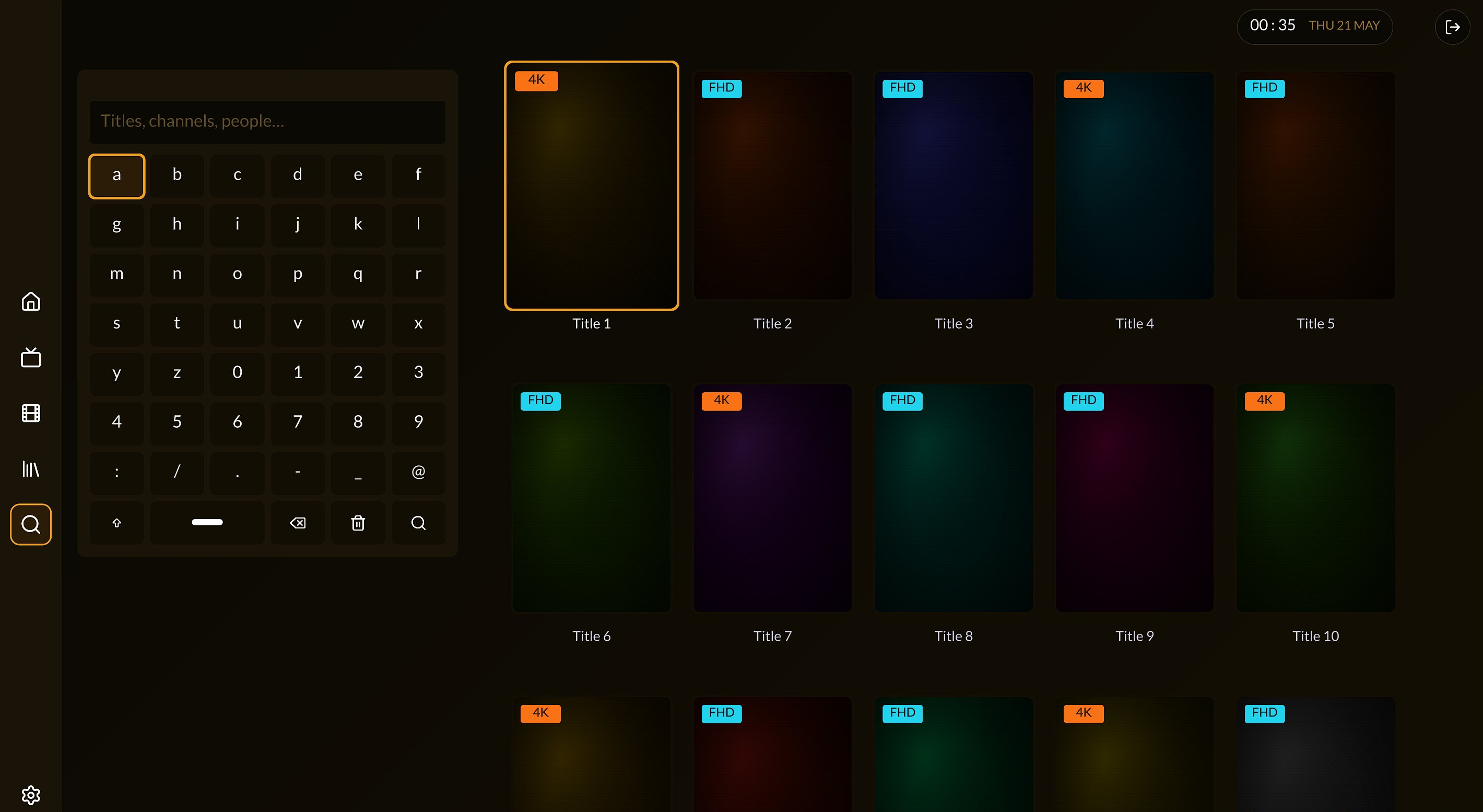
Search across everything on your server — live, movies and series — instantly. No waiting, no lag.
Works with any self-hosted media server or M3U playlist. Enter your server details — setup takes 30 seconds.
Save channels and titles you love. Your favourites are always one click away on the home screen.
Scan the QR code on your TV with your phone to enter credentials — no remote typing required.
Every pixel crafted for your living room remote. Fast, responsive, and stunning at 4K.
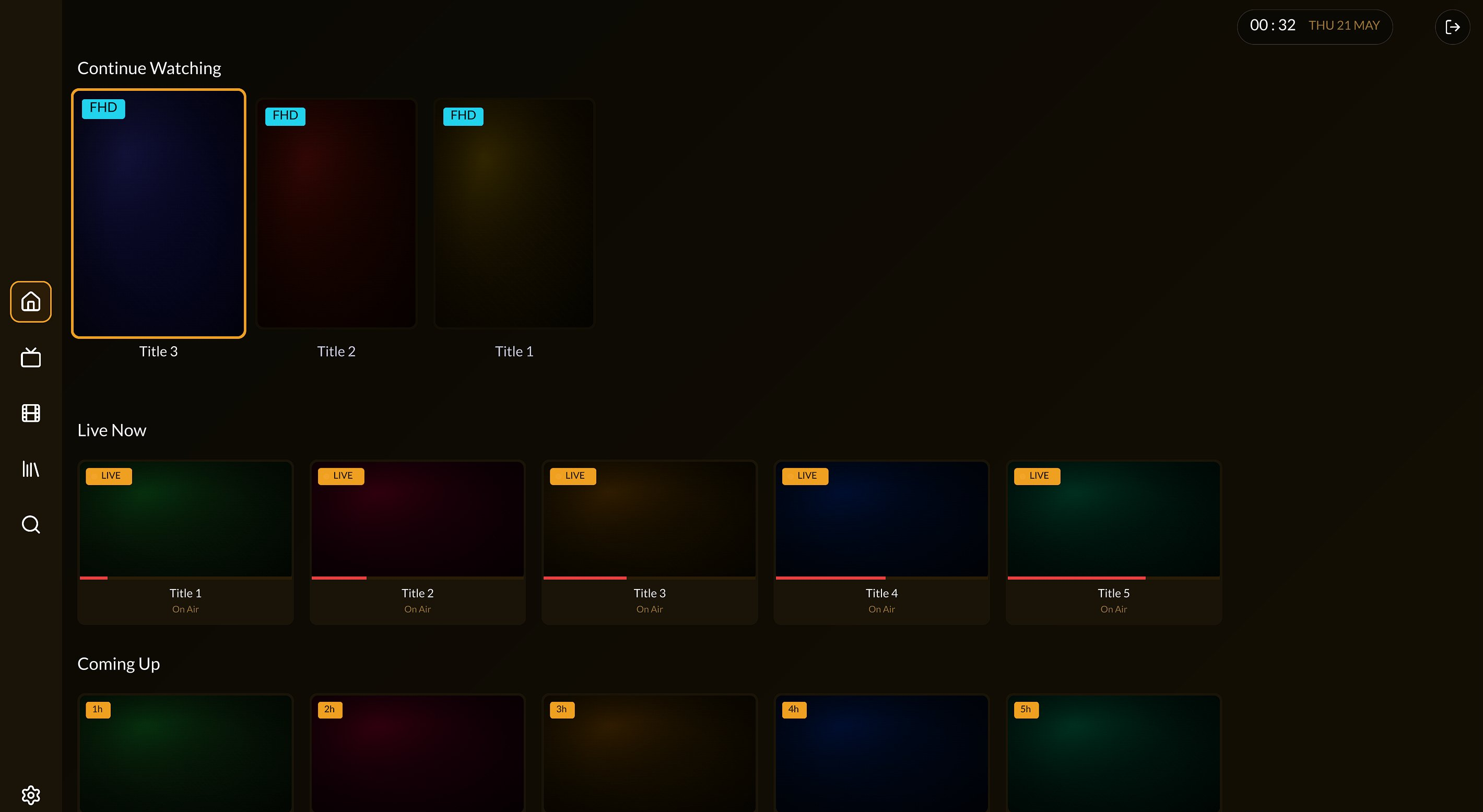
Continue Watching, Live Now, and Coming Up — your entire TV experience on one screen.
Find Velvo on the LG Content Store or Samsung Smart Hub and install it for free.
Open Velvo on your TV — a QR code appears. Scan it with your phone to open the setup page.
Enter your media server address or paste a playlist URL on your phone. Your TV connects automatically.
That's it. Velvo connects to your server and presents everything through a clean, fast interface.
Try Velvo free for 48 hours. No credit card required to start.
Licence is tied to one device. A new TV requires a new licence. Learn more